HOW IT WORKSHow Konte works
From your words to footage
The chat AI, the shot list, the render engines. What happens inside Konte, on one diagram.
01—THE LOOPFrom conversation to footage
Every conversation adds videos and assets
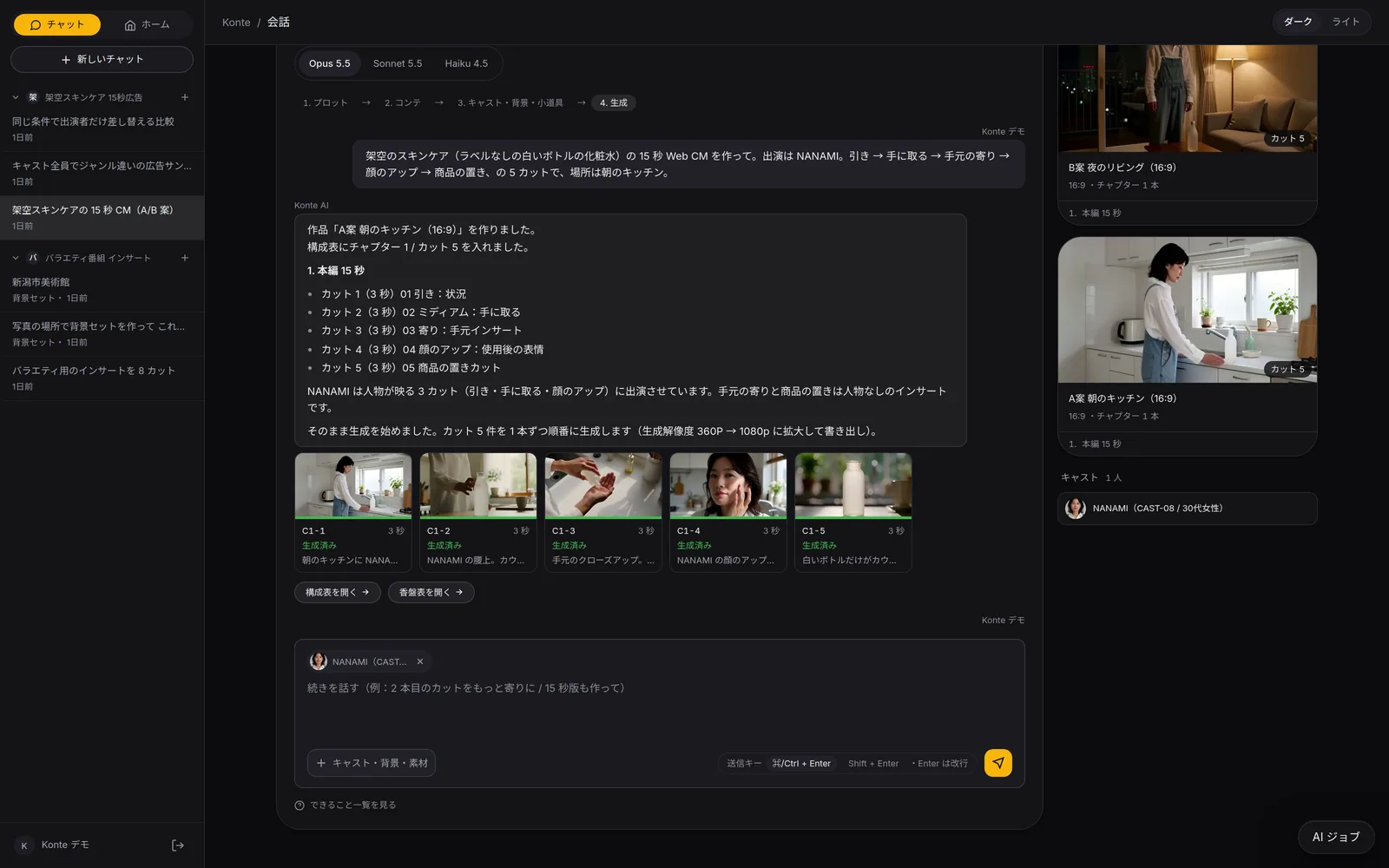
Planning and shooting both happen as you keep talking. Everything you make stays in the project.
01—TALK
Talk
Describe the video you want in one sentence. Attach cast, sets or photos too.
02—PLAN
Get a shot list
First a plot; if it works, a breakdown with chapters and shots. Keep talking and it gets revised.
03—SHOOT
Press to shoot
Once the cast and set reference images are ready, press “Generate from this shot list” (この構成表で生成する). Earlier takes stay in the history.
04—KEEP
Keep it on the shelf
Videos appear beside the conversation, shots go to Outputs. Cast and sets carry over to your next piece.
↺ Your next piece starts from this shelf
02—THE MAPThe whole picture
Konte, the studio around the model
The model draws the picture. Konte handles the planning before and after it, and the shelf.
YOUYou
Talk in the browser
- The video you want, in one sentence
- Keep talking to fix it
- Pick shots and shoot them
Claude Code / Codex on your machineOptional
Connected over MCP, it can read the shot list, add shots and edit the wording.
SHOT LISTThe breakdown
Video›Chapter›Shot
One shot = one row. Picture notes, camera, cast, length.
AIClaude
Breaks the conversation into shots, writes up the prompt right before rendering, reads your cast and sets.
SHELFThe shelf
CastSetsWikiOutputs
It grows with every shoot, and your next video starts here.
QUEUERender queue
To the organization's default engine
STAGEWhere it renders (one per organization)
ComfyUI
Local GPUYour own GPU. Renders from a workflow (JSON)
MiniMax H3
Generate at 480P → ESRGAN x2 → 1080p
Seedance In preparation
A slot that becomes selectable once a workflow is added
Cast and set sheets
Turnarounds and wide / close views, from reference images
OR
fal.ai API
CloudNo GPU. Usage is billed to your own fal key
MiniMax H3
No quantization, 5–15 s
MiniMax Hailuo
6 / 10 s
03—ONE CUTHow one shot renders
From one row of the shot list to an MP4
What happens behind the scenes, in order, when you shoot one shot.
01—ROW
One row of the shot list
Picture notes, lines with their speakers, camera (angle, lens, move, speed), cast, length. One shot = one row.
02—CAST
Add the cast
The reference images you registered go into the shot as keyframes, so the face and wardrobe match.
03—PROMPT
Write up the prompt
Right before rendering, Claude writes the row up as an English prompt. Konte sets the structure and camera terms; the AI only writes the description. Lock it to keep your own wording.
04—QUEUE
To the engine
The job goes to the organization's default engine. On your own GPU, one at a time in order; in the cloud, in parallel.
05—RENDER
Render
MiniMax H3 generates picture and sound together. On your own GPU it renders at 480P, then brings it up to 1080p.
06—SHELF
Onto the shelf
The MP4 goes to Outputs. The seed, prompt and camera settings are kept, so you can go back to an earlier take any time.
04—ENGINESRender engines
Render engines, by where they run
Named the way the shot list shows them (in Japanese, in the app).
MiniMax H3 on a local GPU
Local GPUVIA ComfyUIThe default engine. An int8 build that fits in 12GB of VRAM, rendered at 480P and then brought up to 1080p. About 139 s for a 4-second shot (measured).
Seedance on a local GPU
Local GPUIn preparationVIA ComfyUIThe slot is in place: add a ComfyUI workflow and it becomes selectable (the workflow is still in preparation).
MiniMax H3 via the fal.ai API
CloudVIA fal.aiThe same model as the local one, without quantization. 5–15 s per shot, 768P by default. Usage is billed to the fal key you registered.
MiniMax Hailuo via the fal.ai API
CloudVIA fal.ai6 or 10 s per shot. No waiting in line for a GPU; in exchange, usage is billed to the fal key you registered.
05—UNDER THE HOODComfyUI inside
New models, same shot list
Underneath is ComfyUI. Engines are added as workflows.
Hand over a workflow, get footage back
Konte hands ComfyUI a workflow in API format (JSON) and takes back the finished footage. Nodes are referred to by name, so swapping the workflow leaves Konte's side untouched.
The GPU can be another machine
Files move over HTTP only. The Konte server and the GPU machine running ComfyUI can sit apart.
More models, same shot list
New video models are added as ComfyUI workflows. Seedance's slot is set up the same way. Your shot list and cast carry over as they are.
GET STARTEDStart here
Your film studio, starting today
Start by creating a single cast member. We're happy to talk it through.