SCRIPT & BREAKDOWNScript & breakdown
A story, turned into a script you can shoot
A plot gets written, readers fix it, and it's broken into shots. An episode becomes one table.
Called in the app: 「構成・台本」
01—FROM ONE SENTENCEFrom a sentence to a shot list
The AI that writes isn't the one that reads
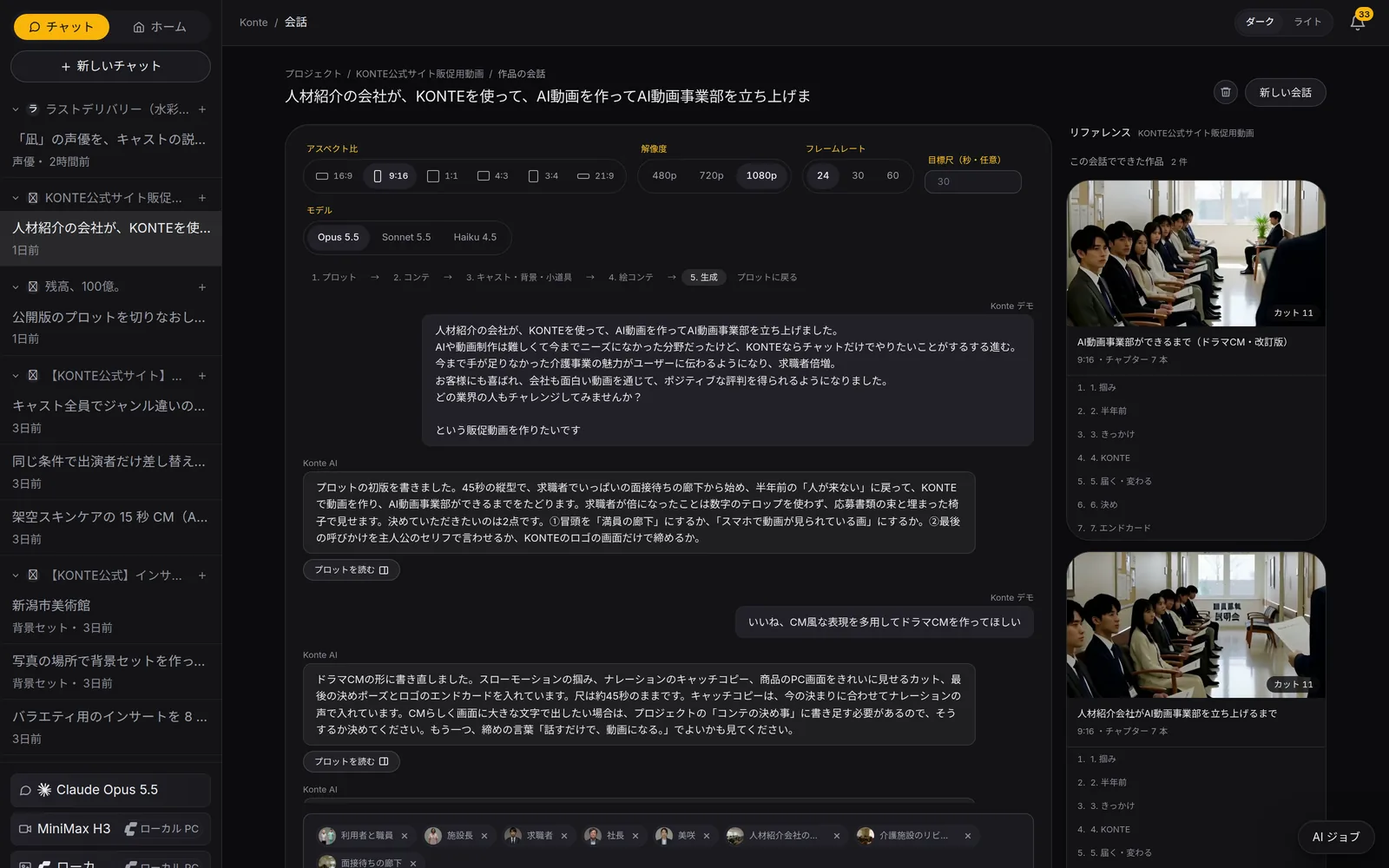
A plot gets written, three readers go through it, it's broken into shots and the flow is read again. You press the button to move on.
- TALKSay it in a sentence
- PLOTPlot
- REVIEWThree readers
- GOGo with this plot
- BREAKDOWNInto shots and panels
- CHECKReread the flow
WRITER—01Script & breakdown
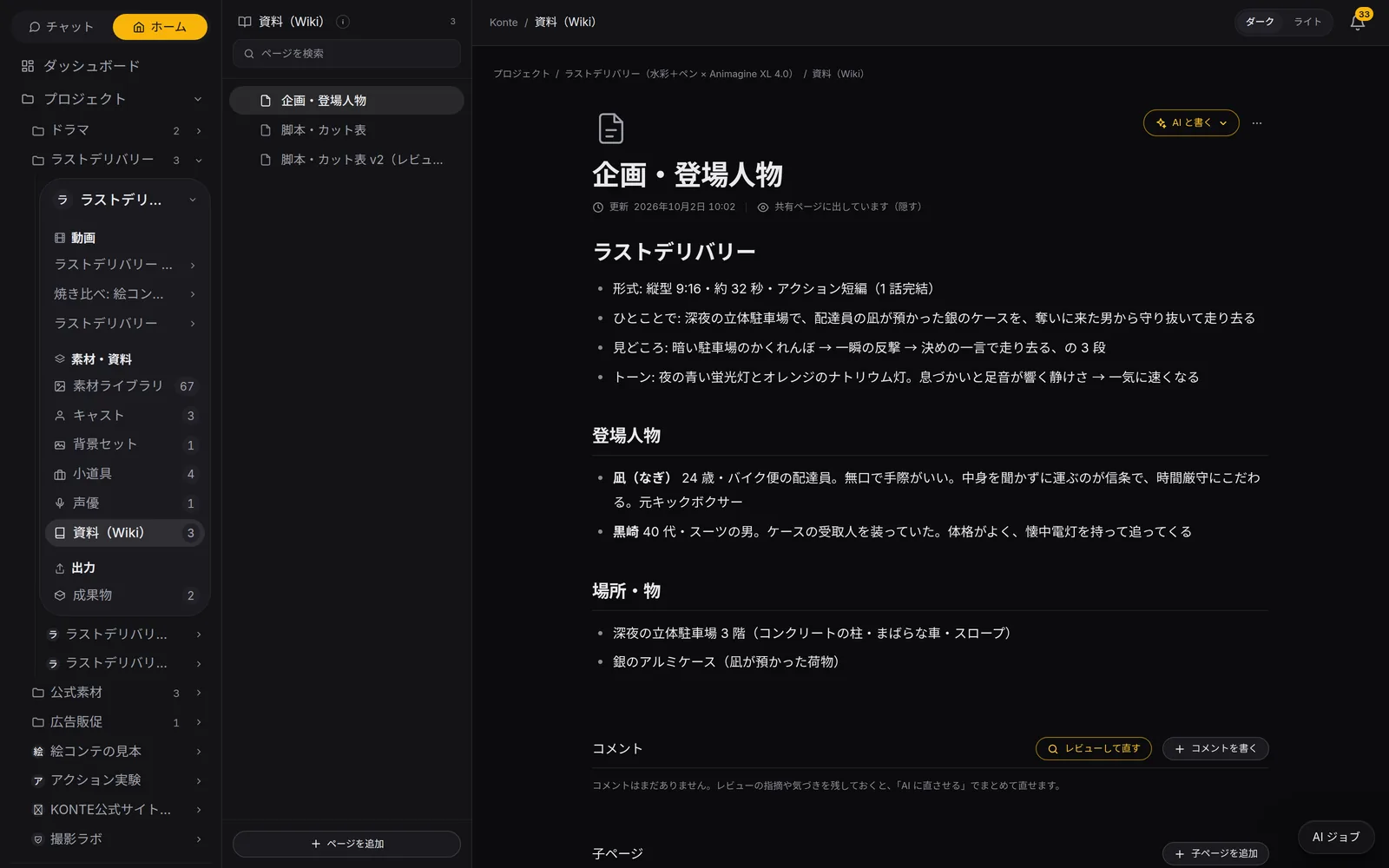
The AI that writes the plot
It builds your sentence out into a plot in the Wiki, and lists the roles, places and props in it.
Chat AI
SCRIPT READERS—01Script & breakdown
Three AIs that read the script
Three readers at once — the story's bones, a first-time viewer, whether it can be shot — and it's fixed before it reaches you.
Chat AI
BREAKDOWN—01Script & breakdown
The AI that breaks it into shots
Scenes into 8–10-second shots, shots into 2–4 panels, with the lines and the cast settled, straight into the shot list.
Chat AIYou press
CONTINUITY—01Script & breakdown
An AI that checks the flow, one that fixes it
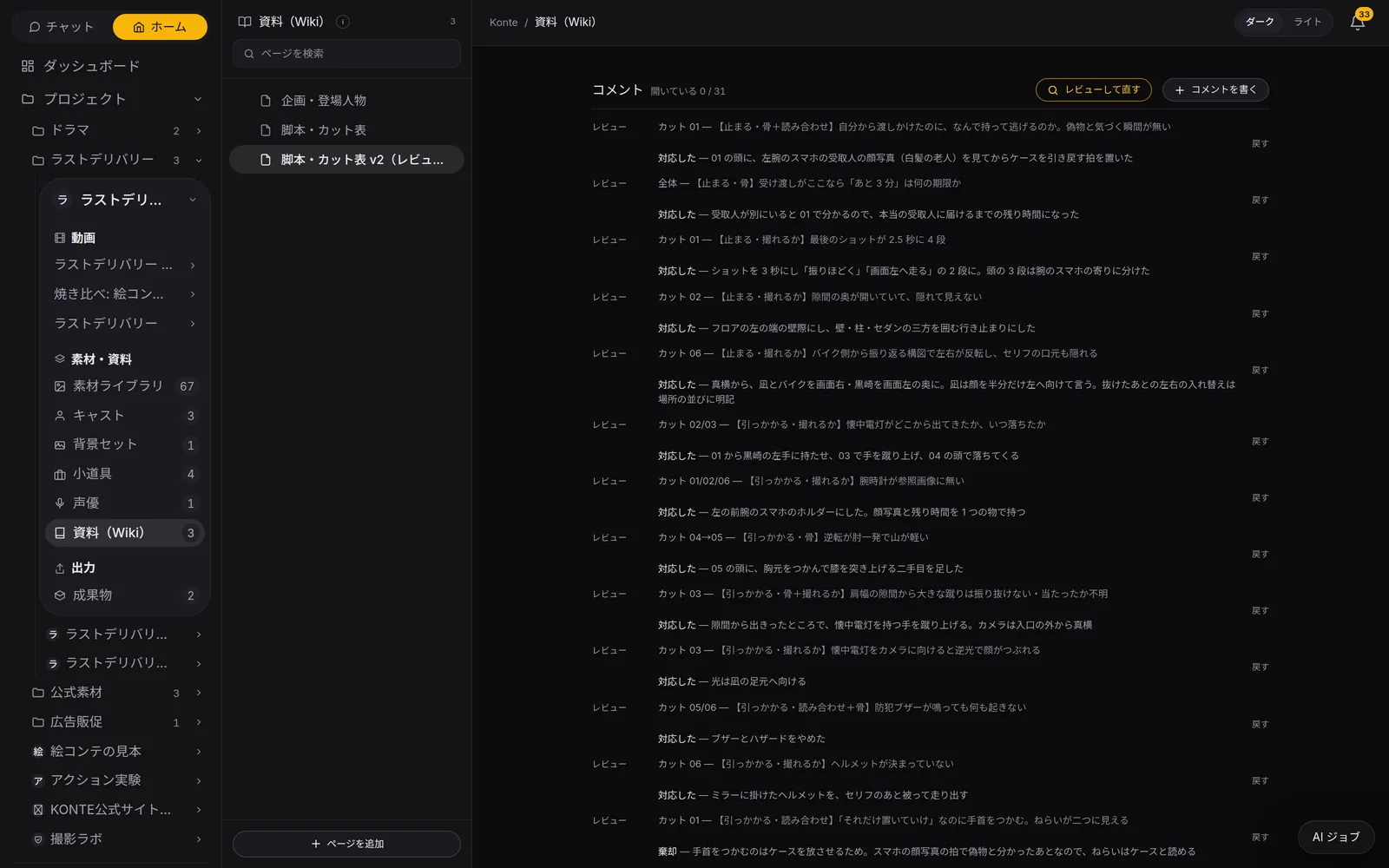
Another AI reads only the pictures, lines and captions as a first-time viewer and flags where the story jumps. A second one fixes it.
Chat AI
02—THE TABLEThe script & breakdown table
An episode on one table
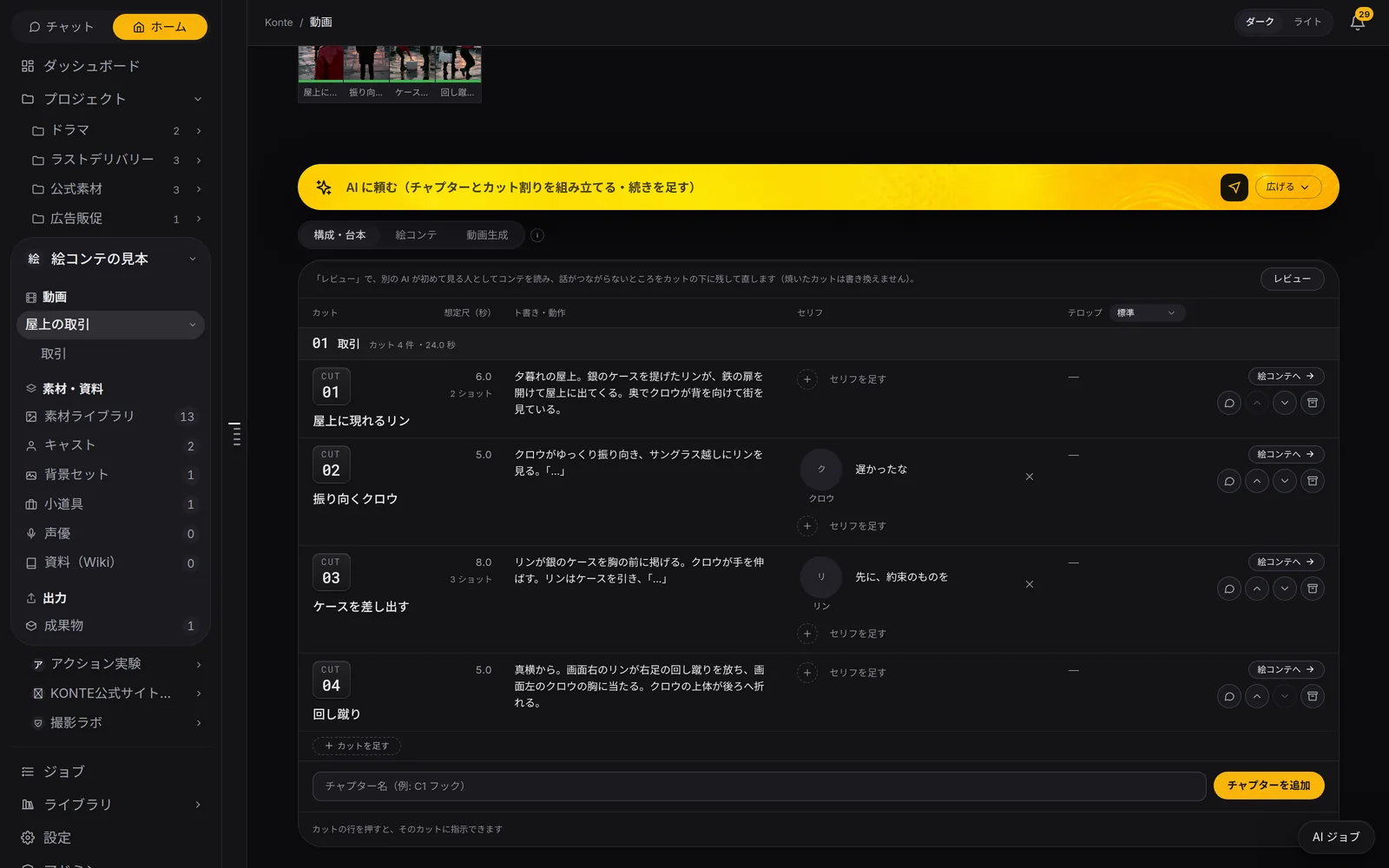
Shot, planned length, action, lines with speakers, captions — editable right where you click.
SPEAKERS
A speaker for every line
Mark each line as cast, extra or sound effect. Narration sits in the same column and is spoken in its voice actor's voice.
COMMENTS
Comments on a shot
Leave a note from the row's speech bubble, and answer it with “done” or “declined” instead of deleting it.
REVIEW
“Review” to read it again
Another AI reads it as a first-time viewer, flags where the story jumps and fixes it. Rendered shots are never rewritten.
03—HOUSE STYLEMarks and house rules
Spoken words and on-screen text, kept apart
Write them with different marks, and the AI won't mix up what's said aloud with what's shown on screen.
「…」
Spoken line
Said by someone on screen. Their mouth moves.
『…』
Text in the picture
A key tag, a sign, a phone screen. Never read out as a line.
OFF
Off-screen voice
The other end of a call, or a voiceover. Written in its own column.
TELOP
Caption
Text laid on top in finishing. It isn't sent to the video AI.
Breakdown rules
Write how the project likes its shots — pace, shot length — and the AI keeps to it every time it breaks a story down.
Direct this shot
On any tab, the bottom of a shot's card lets the AI rework that shot alone.
FEATURESFeature pages
THE FIVE STEPS
ASSISTANT
Tell it your idea, and the AI crew lines up everything from the script to the edit. You check, and press.
- The AI that writes the plot
- Three AIs that read the script
- The AI that breaks it into shots
- An AI that checks the flow, one that fixes it
- The action director
- The framing AI (director of photography)
- The props person's eye
- VFX directions
- The AI that writes the prompt
- The caption editor
- The editor (you)
GET STARTEDStart here
Your film studio, starting today
Start by creating a single cast member. We're happy to talk it through.