SETSSets
Build the location before you shoot
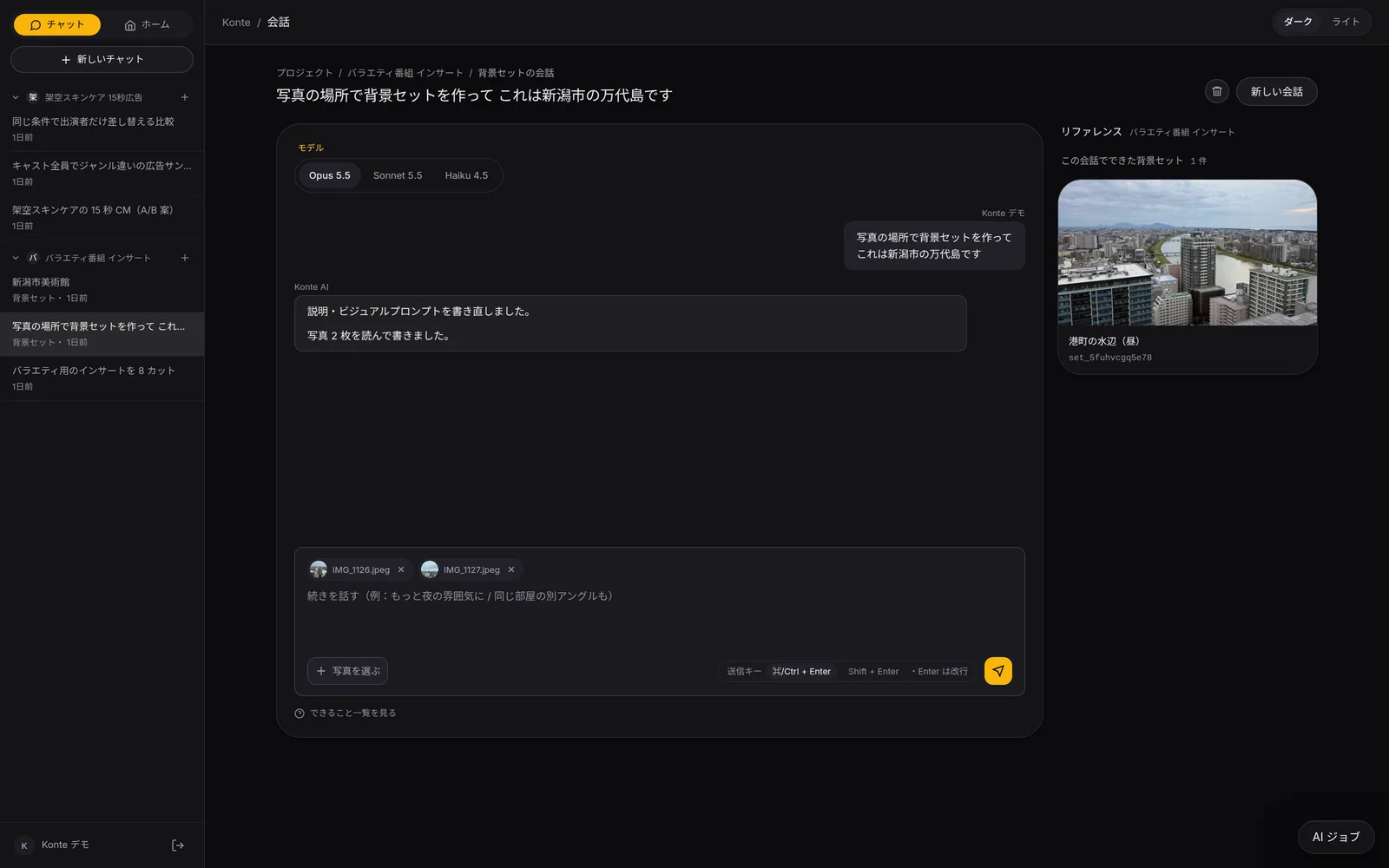
A reference image of the place and a set sheet of its angles. Come back to the same room in any episode.
Called in the app: 「背景セット」
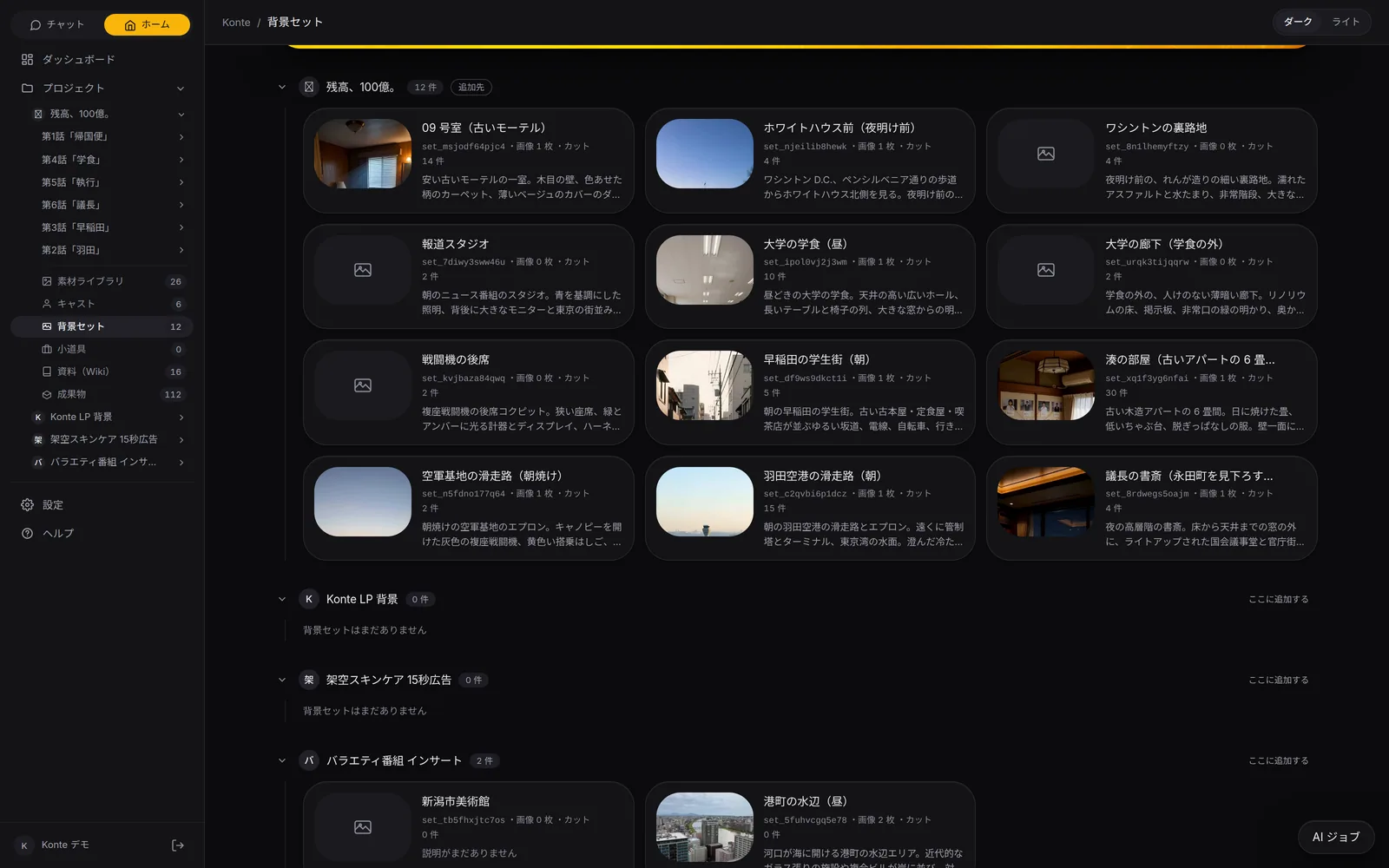
01—THE SCREENThe set screen
One main picture, and the other angles
Overview, set sheet, variations. Only the main picture goes to the video.
OVERVIEW
Overview (概要)
The big main picture and the reference images, description, art style and visual prompt. Drag to change the main one.
SET SHEET
Set sheet (背景セットシート)
The same place from other angles, and a “3D room” you can look around in, to see what's where.
VARIATIONS
Variations (バリエーション)
Night, a rainy day, morning light, a crowd. The same place in another time and weather.
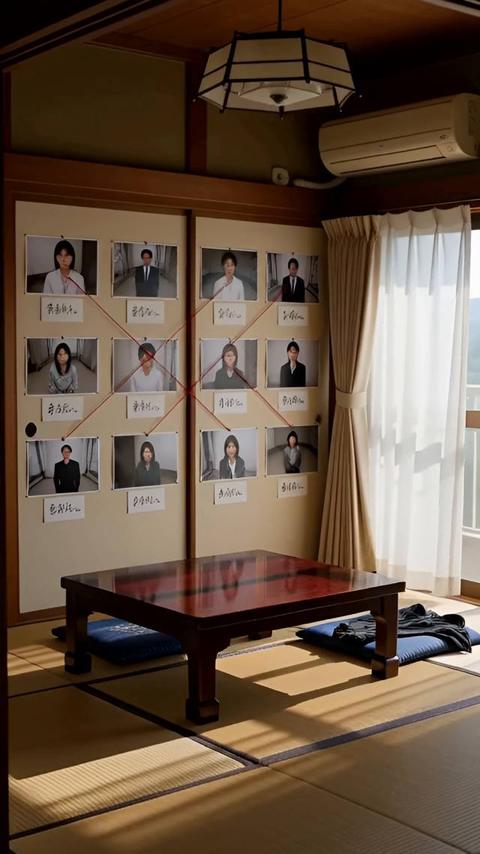
Minato's room (a small room in an old apartment)
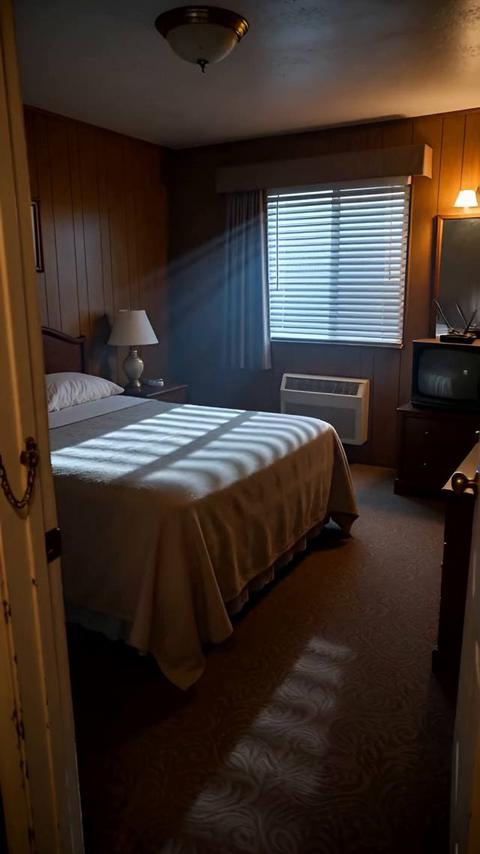
Room 09 (old motel)
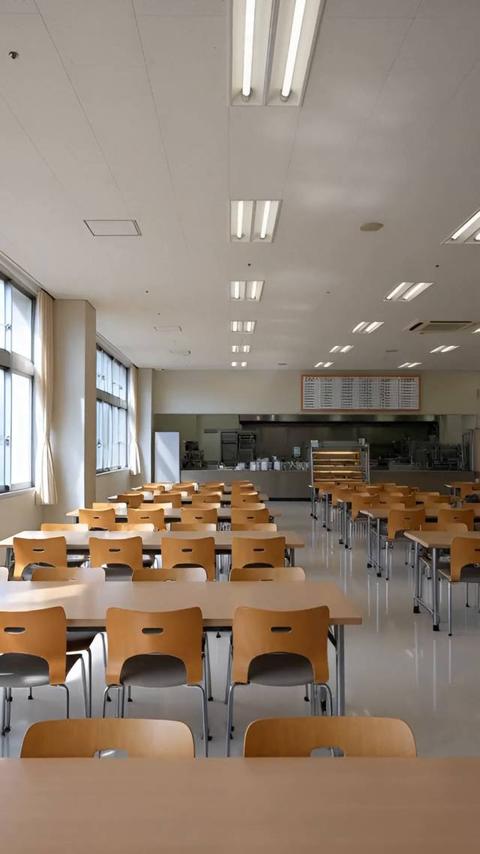
University cafeteria (noon)
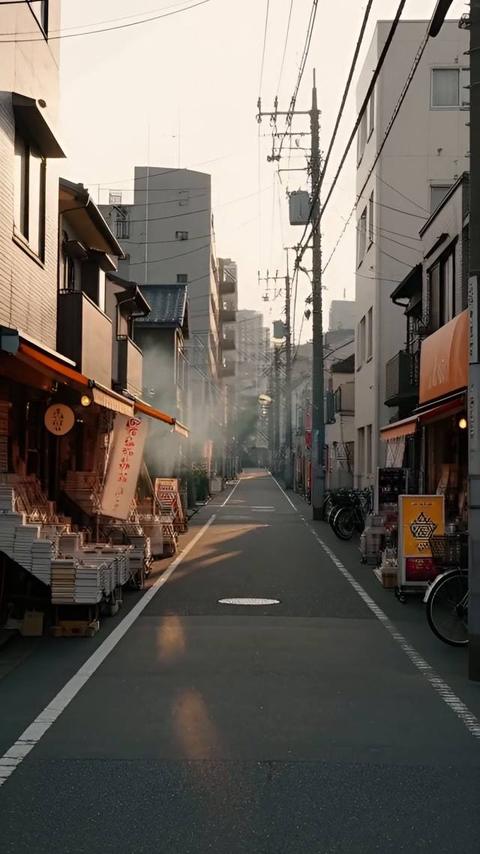
Waseda student quarter (morning)
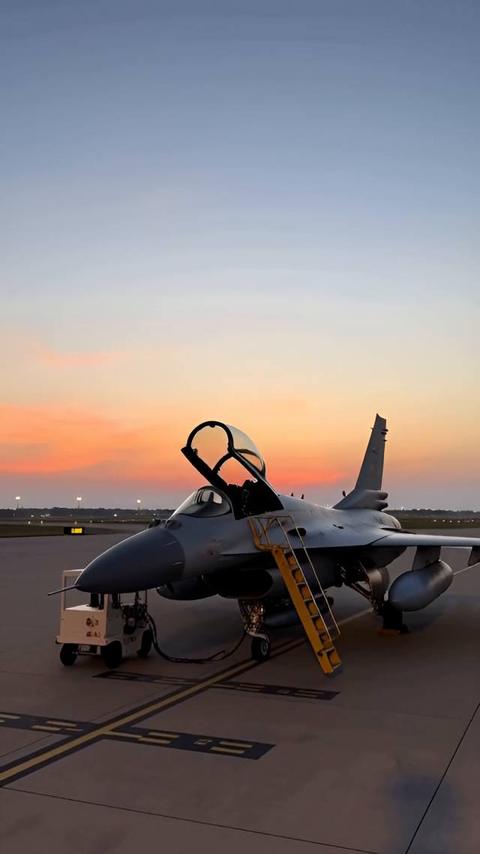
Air base runway (sunrise)
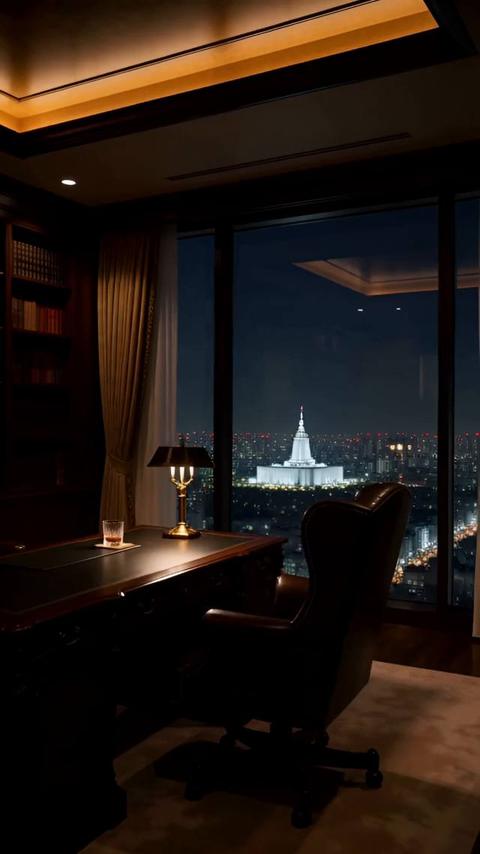
The Chairman's study (high above Nagatacho)
Reference images of the cast and sets of the vertical drama “Balance: 10 Billion” (all made inside Konte).
02—3D ROOMThe 3D room
A room you can look around in
Front, back, left, right, ceiling and floor are drawn from the middle and pasted onto a square room.
From inside, from outside
Look around from inside the 3D preview, or peek in from outside. You know the room before placing a camera.
Furniture stays put
Tie an object in the 3D framing to the set, and it stands in the same spot in every shot on that set.
The sheet is for you
The set sheet is for comparing and for 3D. It isn't passed to the video AI.
03—IN THE SHOTIn the shot
Attach it to a chapter, and every shot is in that room
Shots take the chapter's set. One shot can be somewhere else.
Variation presets
- 正面の引き
- 逆方向から振り返った引き
- 真上から見下ろす俯瞰
- 床の高さから見上げる
- 細部の寄り
- 夜
- 雨の日
- 朝の光
- 人がいて賑わっている
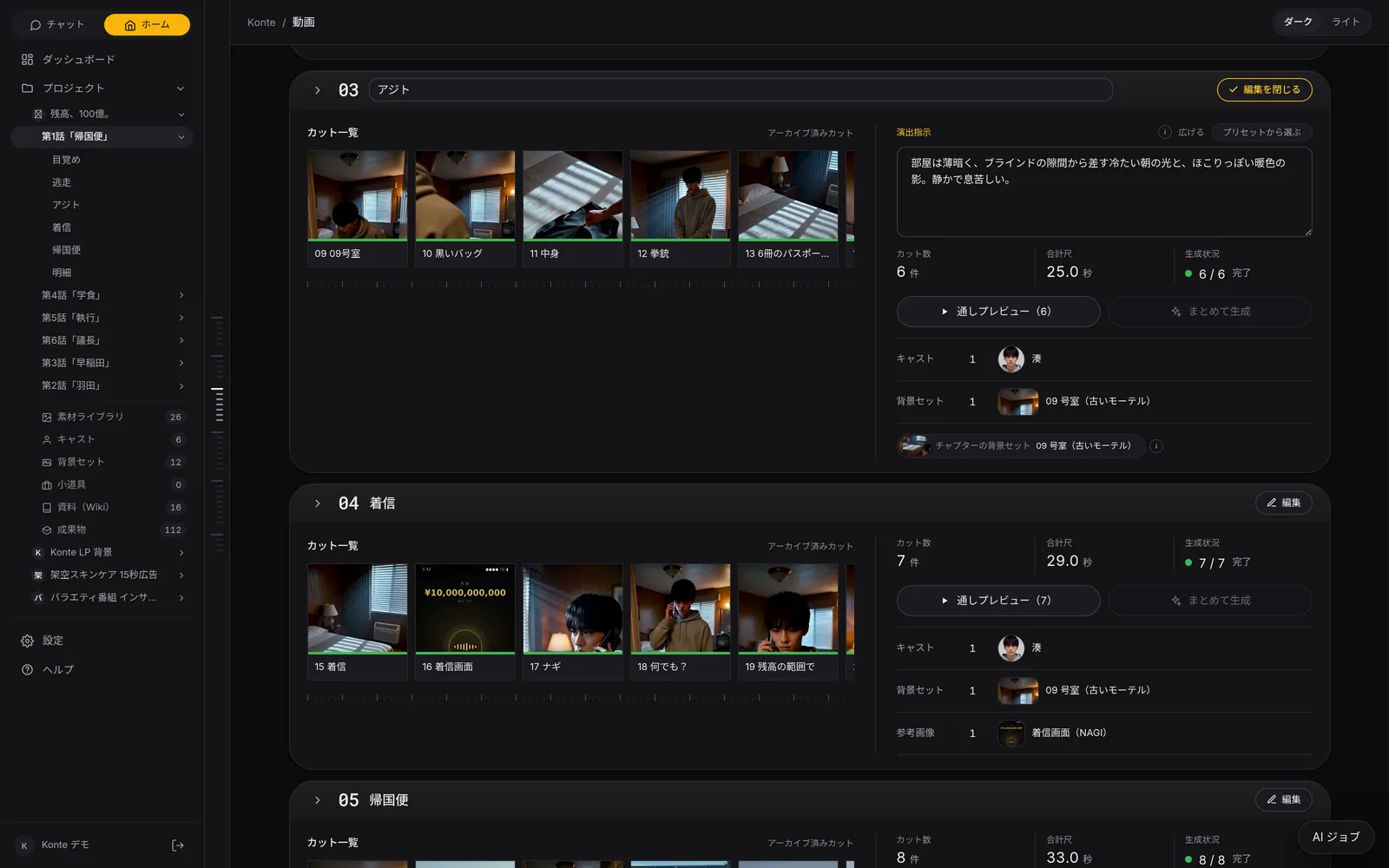
MADE WITH KONTE—Balance: 10 Billion
Back in the same room, episode after episode
The set “Minato's room”. From episode 3 to episode 6, 30 shots were taken in this room.
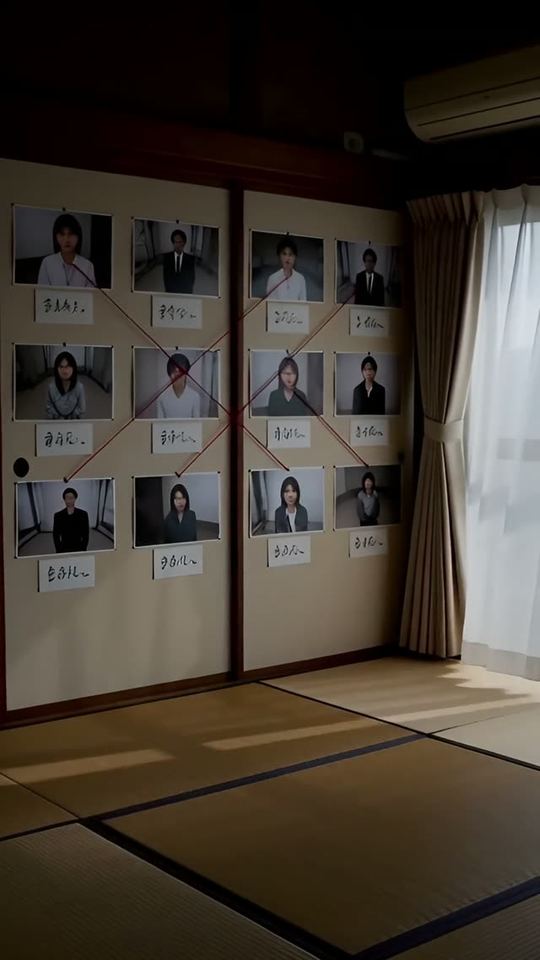
Episode 3
10 The number
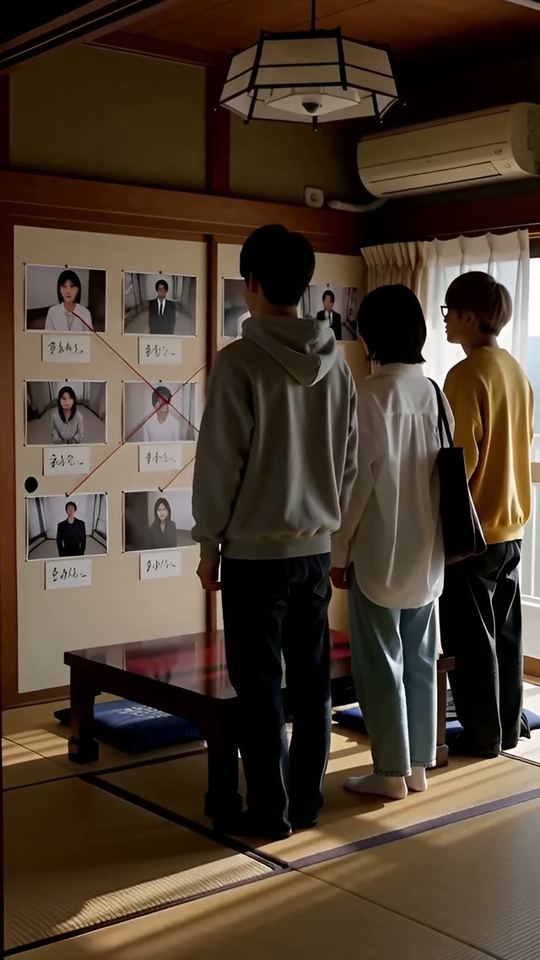
Episode 3
08 The wall
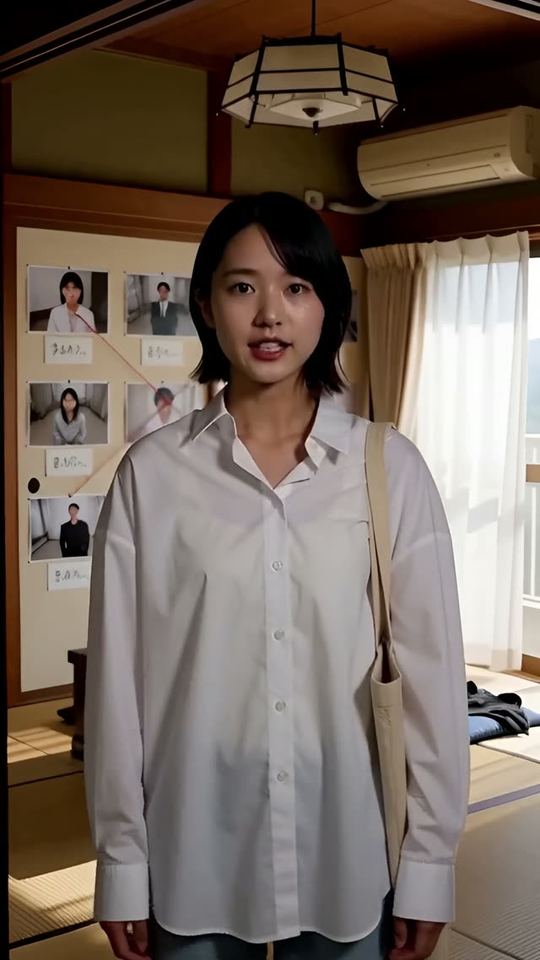
Episode 4
01 What the × means
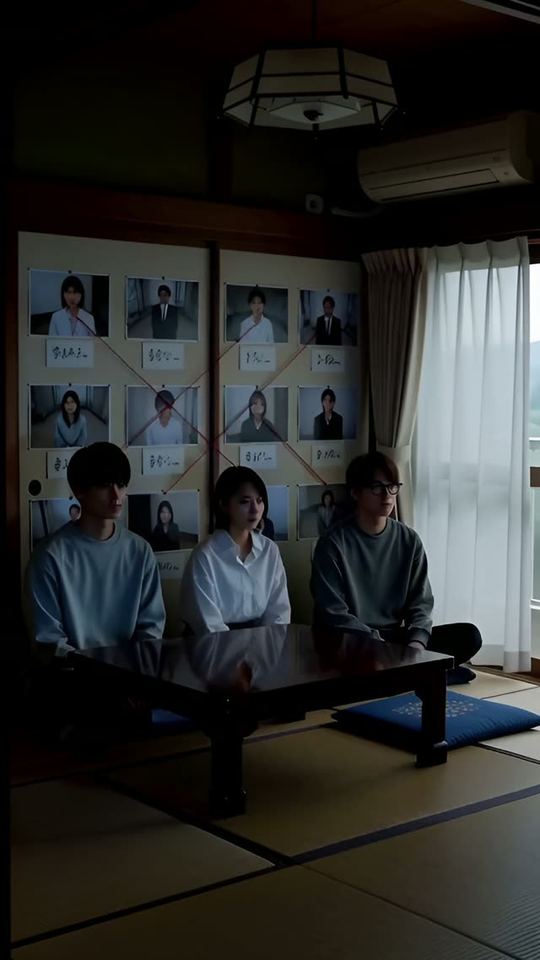
Episode 5
02 Three of them
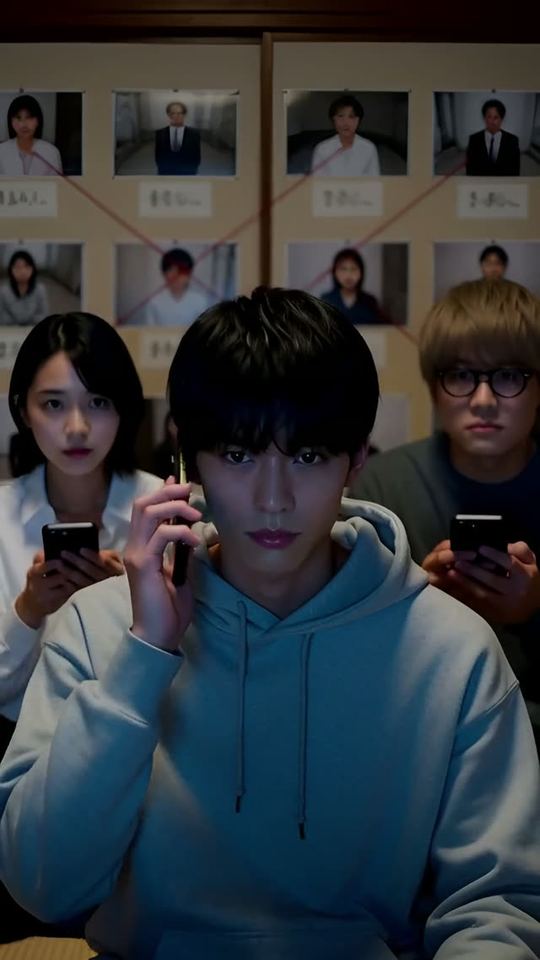
Episode 5
13 Nice to meet you
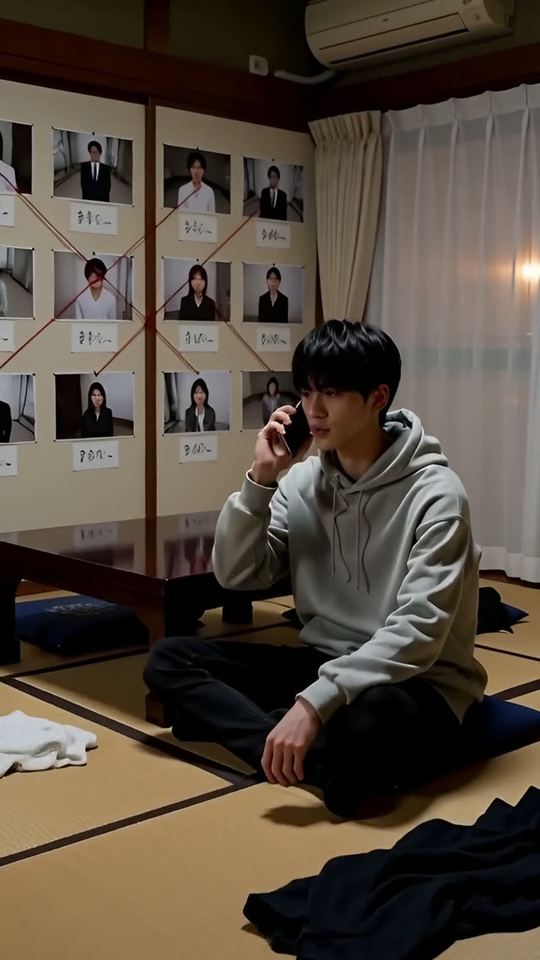
Episode 6
12 All to ourselves
From the shots on the set “Minato's room (a small room in an old apartment)” in the vertical drama “Balance: 10 Billion” · MiniMax H3 on a local GPU
HOW IT WAS MADEFEATURESFeature pages
THE FIVE STEPS
ASSISTANT
Tell it your idea, and the AI crew lines up everything from the script to the edit. You check, and press.
- The AI that writes the plot
- Three AIs that read the script
- The AI that breaks it into shots
- An AI that checks the flow, one that fixes it
- The action director
- The framing AI (director of photography)
- The props person's eye
- VFX directions
- The AI that writes the prompt
- The caption editor
- The editor (you)
GET STARTEDStart here
Your film studio, starting today
Start by creating a single cast member. We're happy to talk it through.