
DEMODemo
A vertical drama, and how it was made
A series made in Konte. See it with its shot list, cast, sets and Wiki, just as they are.
konte.fortico-lab.com/share/RWCvxJXfJJcDtwFVRsGbor7D9yaDt8y8A URL made with Konte's Share. No login needed to see the video and the shot list.
- Episodes
- 6
- Shots
- 112
- Runtime
- 7 min 18 s
- Cast
- 6
- Sets
- 12
- Wiki
- 15 pages
Vertical 9:16 · MiniMax H3 on a local GPU
01—SCREENINGScreening room
Balance: 10 Billion
The same five tabs as the share page, down to the shots, cast, sets and Wiki behind the video.
SCREENING — SHARE PAGE
Balance: 10 Billion
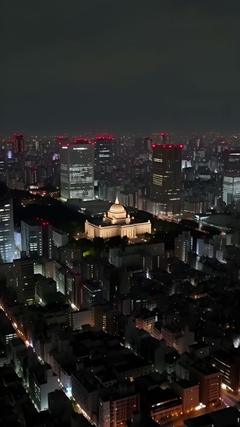
3–4 shots from each episode, joined (mid-episode for episode 3). Press the speaker for sound.
Episode 1 “The Flight Home”
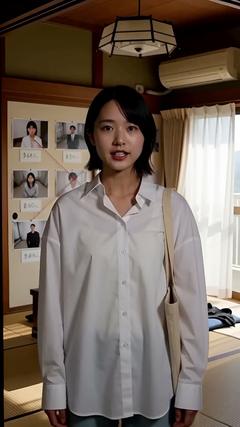
01 Waking up
33 CUTS · 2:16
Episode 2 “Haneda”
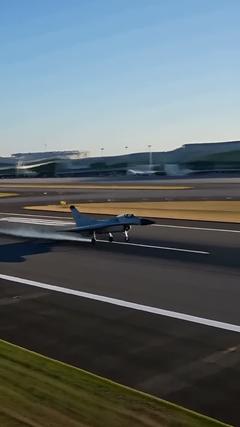
01 Landing
17 CUTS · 1:03
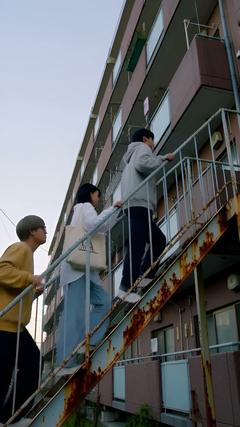
Episode 3 “Waseda”
06 Outside stairs
15 CUTS · 0:58
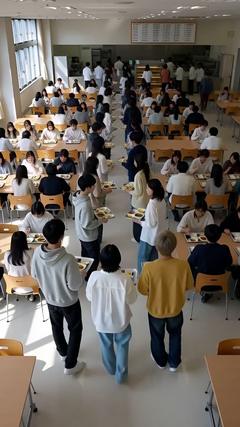
Episode 4 “The Cafeteria”
01 What the × means
17 CUTS · 1:04
Episode 5 “Execution”
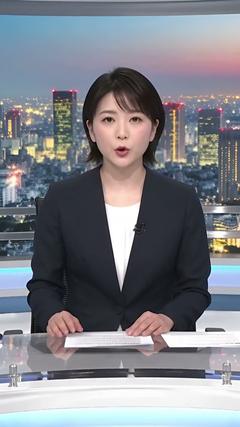
01 The news
15 CUTS · 0:57
Episode 6 “The Chairman”
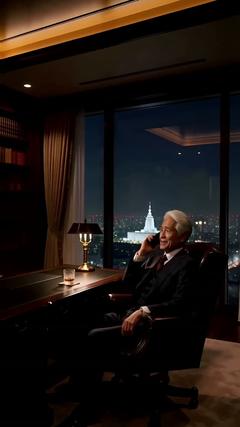
01 Nagatacho
15 CUTS · 1:00
Vertical drama “Balance: 10 Billion” · 3–4 shots from each episode, joined (mid-episode for episode 3) · made by one person and an AI (Claude) · one RTX 4070 12GB GPU, no cloud fees · MiniMax H3 on a local GPU
02—SETUPTeam and numbers
One person, an AI and one GPU
The AI took it from planning through quality checks; the person set the direction.
- Team
- One person and an AI (Claude). The AI handled planning, script, shot breakdown, casting and quality checks; the person set the direction
- Rendered on
- MiniMax H3 on a local GPU (one RTX 4070 12GB; generated at 480P and upscaled to 1080p). No cloud fees
- Per shot
- About 3 minutes for a 3-second shot, about 4.3 minutes for a 5-second shot (writing the prompt, generating and upscaling). About 2 minutes per reference image
- Retakes
- After the first pass, 11 shots in episode 1 and 3 in episode 2. Each was fixed by one retake with more specific direction
03—PROCESSHow it was made
Eight steps from plan to release
Every step happens inside Konte. These are the screens this piece was actually made on.
01—PLAN
Planning
Wiki (資料)
The pitch, the world, the characters and the structure of all 30 episodes go into the Wiki, worked over with the AI page by page.
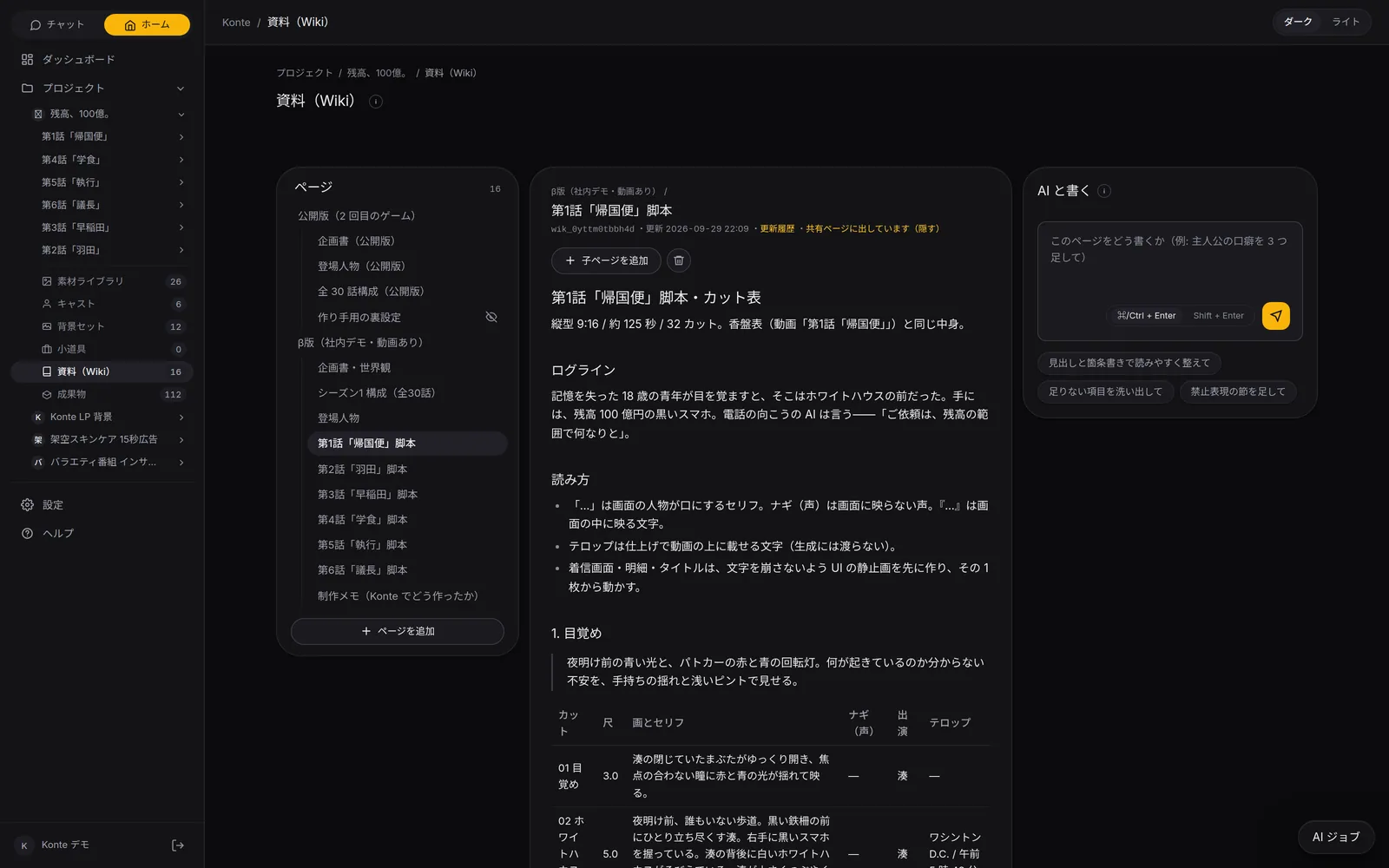
WikiPitch, characters, structure and scripts go in the Wiki. Rewrite the open page together with the AI. 02—BREAKDOWN
From script to shots
Shot list, plot table (香盤表・プロットの表)
15–33 shots an episode. Picture notes, spoken lines 「」, text seen on screen 『』, off-screen voices and captions each get their own field.
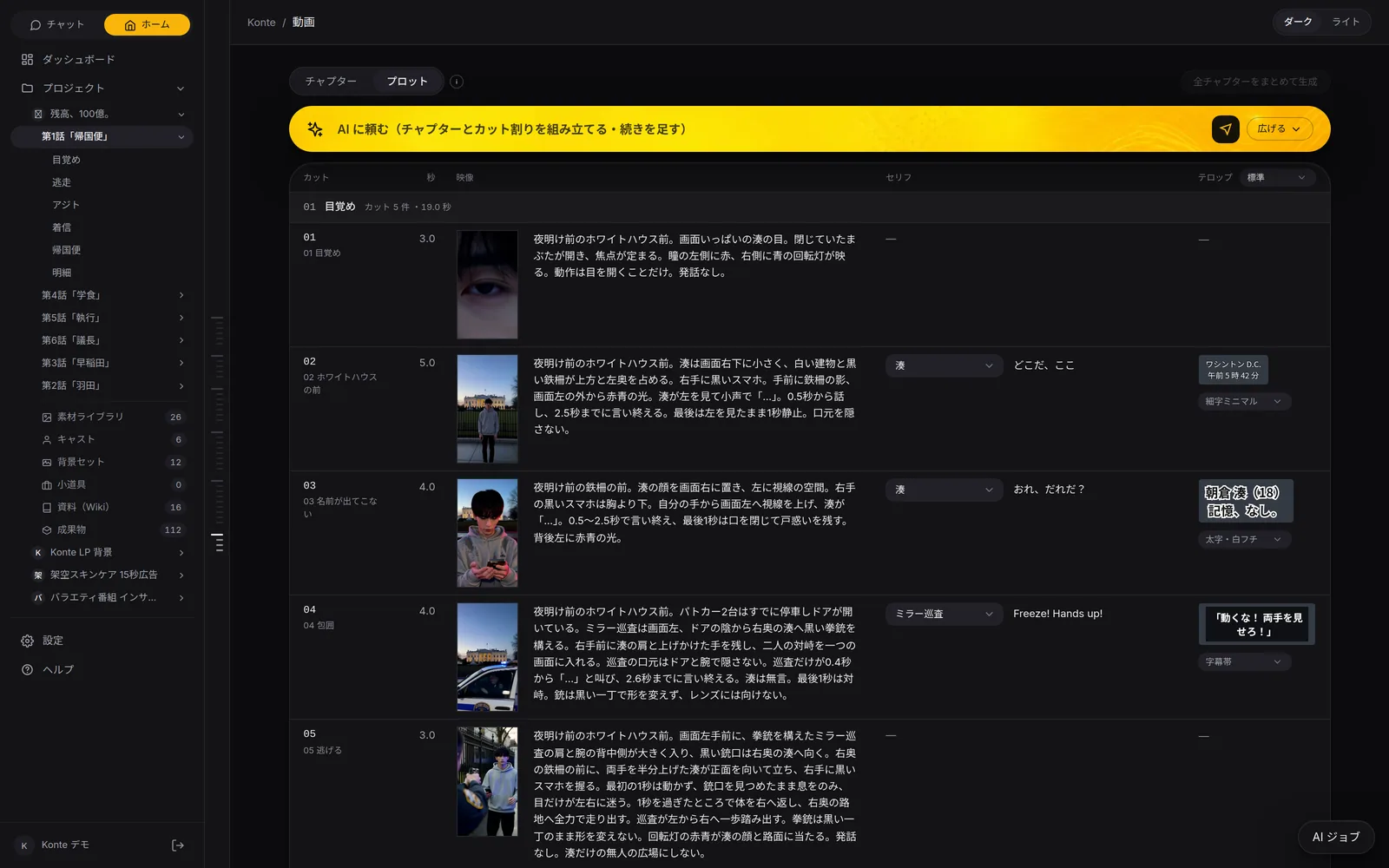
Plot tableAn episode's 33 shots on one table. Picture notes, lines with their speakers and captions side by side, editable on the spot. 03—CASTING
Casting
Cast (キャスト)
For each main role, 2–3 face options are made as short videos and judged on appeal, how well they work as a reference image, fit for the role and how steady the face stays.
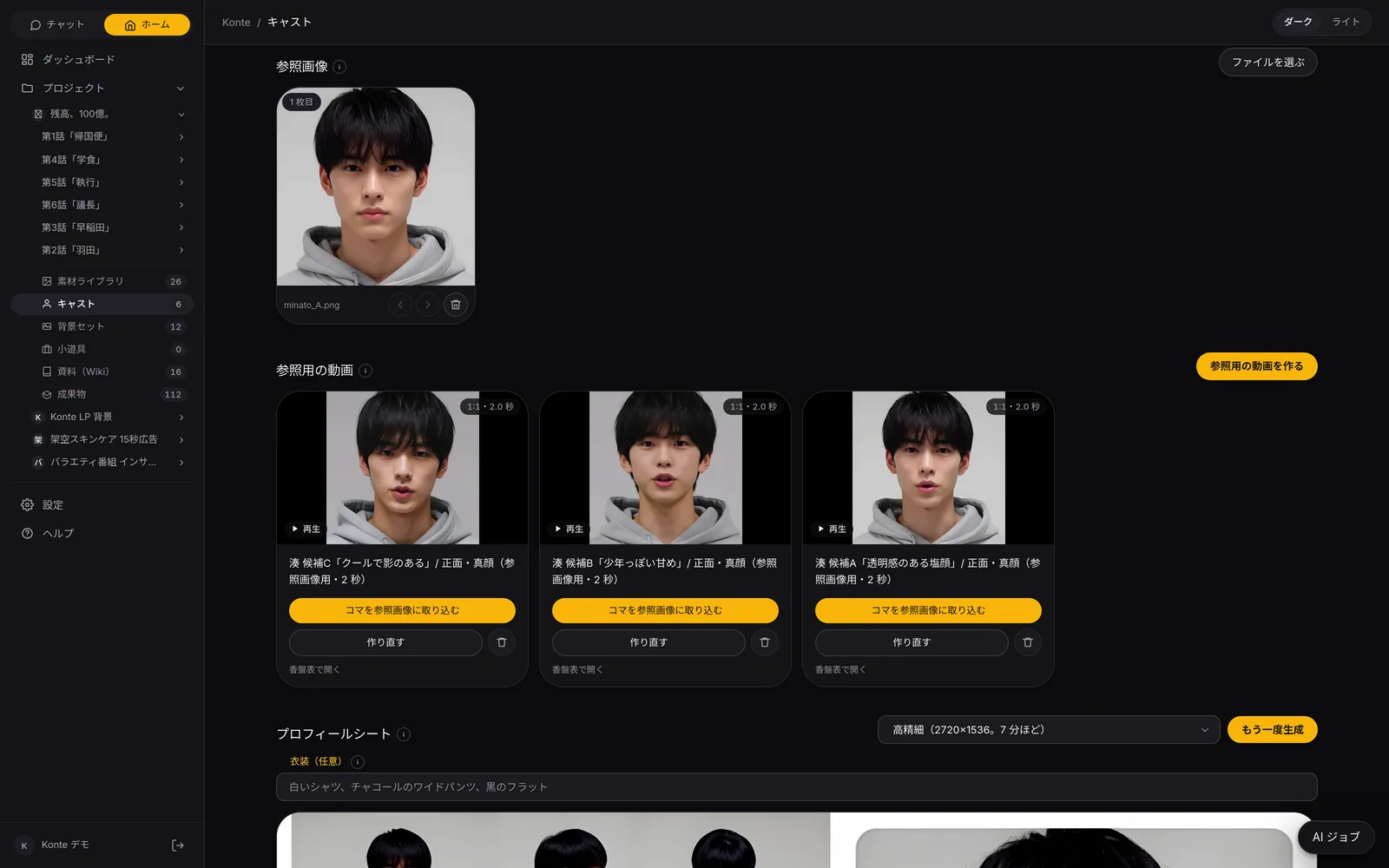
Face optionsMake 3 face options as short videos, compare them, and use the frame you like as the reference image. 04—LOCATION
Location scouting
Sets (背景セット)
One wide shot with nobody in it is made for each place and used as the reference image. Attach it to a chapter and every shot is in the same room.
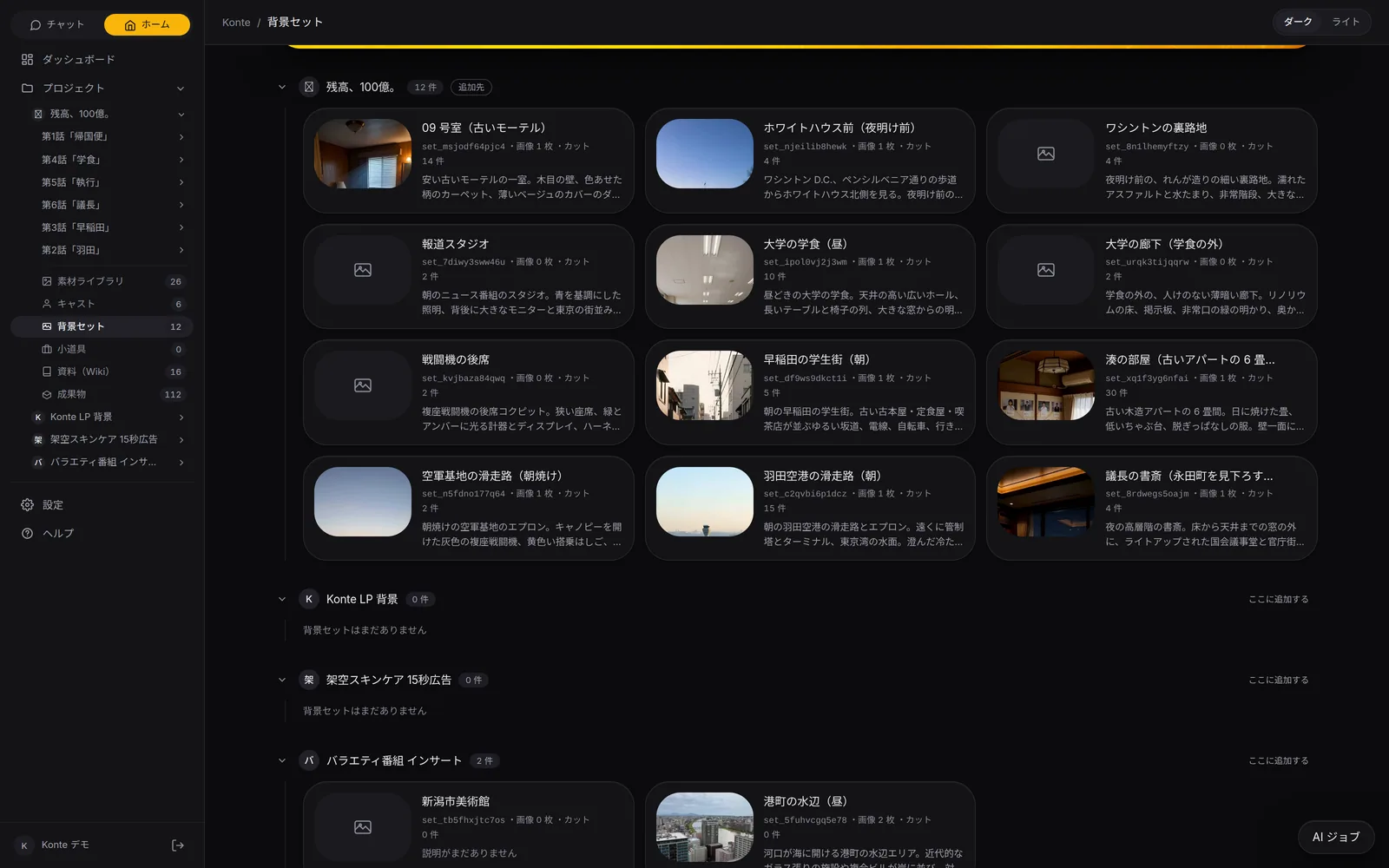
Sets12 places across 6 episodes. One room is reused for 30 shots. 05—SCREENS
Screens with text
Asset library (素材ライブラリ)
Incoming-call screens, statements and titles start as a still of the UI, and the shot is animated from that one image.
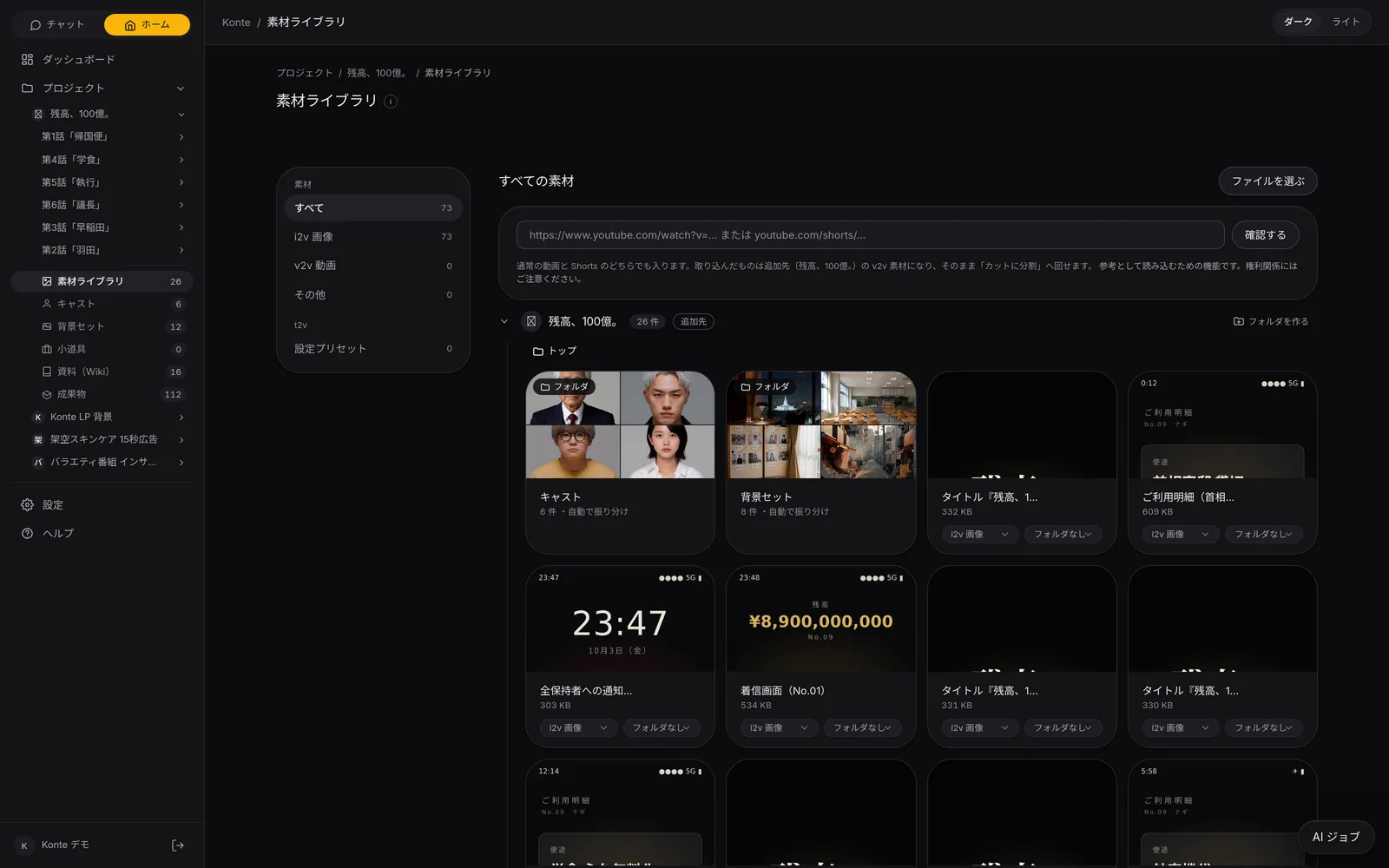
Asset libraryPhotos and videos both go in the asset library. Cast and set images sort themselves into folders. 06—SHOOT
Shooting
Generation (生成)
Each shot is generated with reference images of the face and the place. The GPU takes one at a time, so the next episode's prep is queued up ahead.
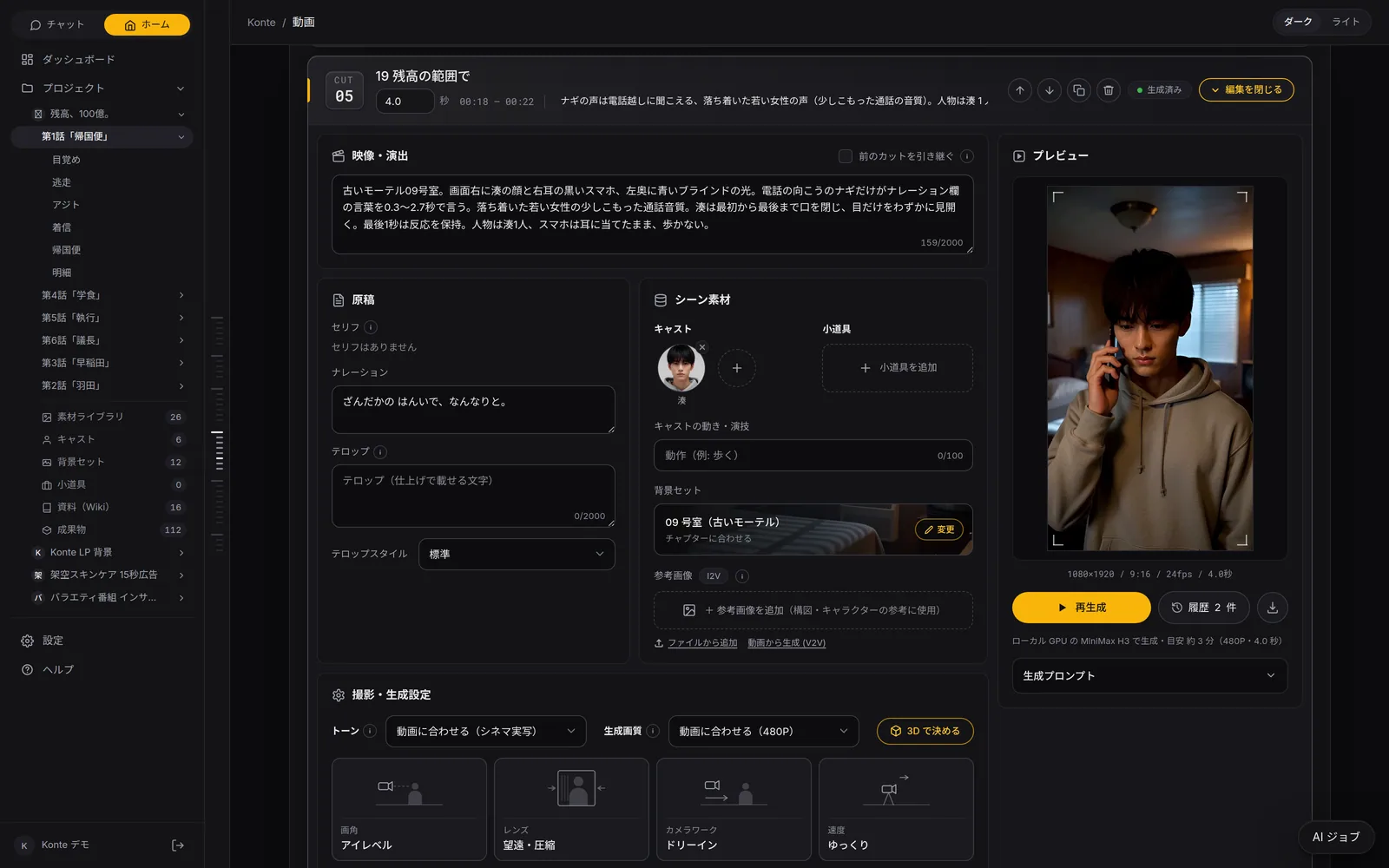
Editing a shotOpen a card to edit the picture, script, assets and camera settings in one place, with where it renders and the estimated time alongside. 07—CHECK
Quality check
Retakes (撮り直し)
Every shot is checked against the script and the reference images, and only the ones marked for a retake are shot again. Earlier takes stay in the history.
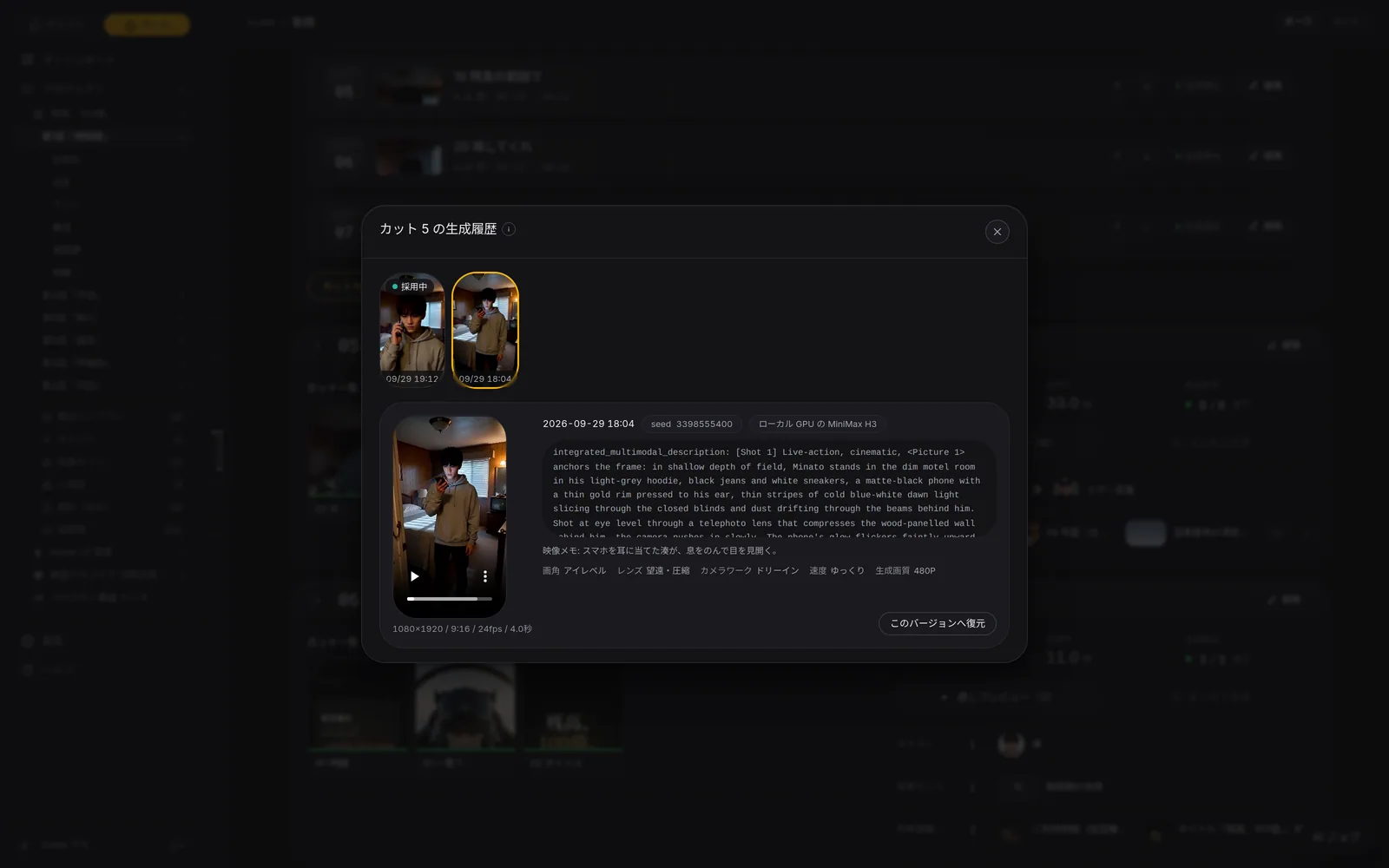
RetakesRetake until you like it. Earlier takes stay in the history, and you can go back any time. 08—FINISH
Finishing and release
Finishing, sharing (仕上げ・共有)
Each episode is joined into one video and released on a share page together with its shot list, cast, sets and Wiki.
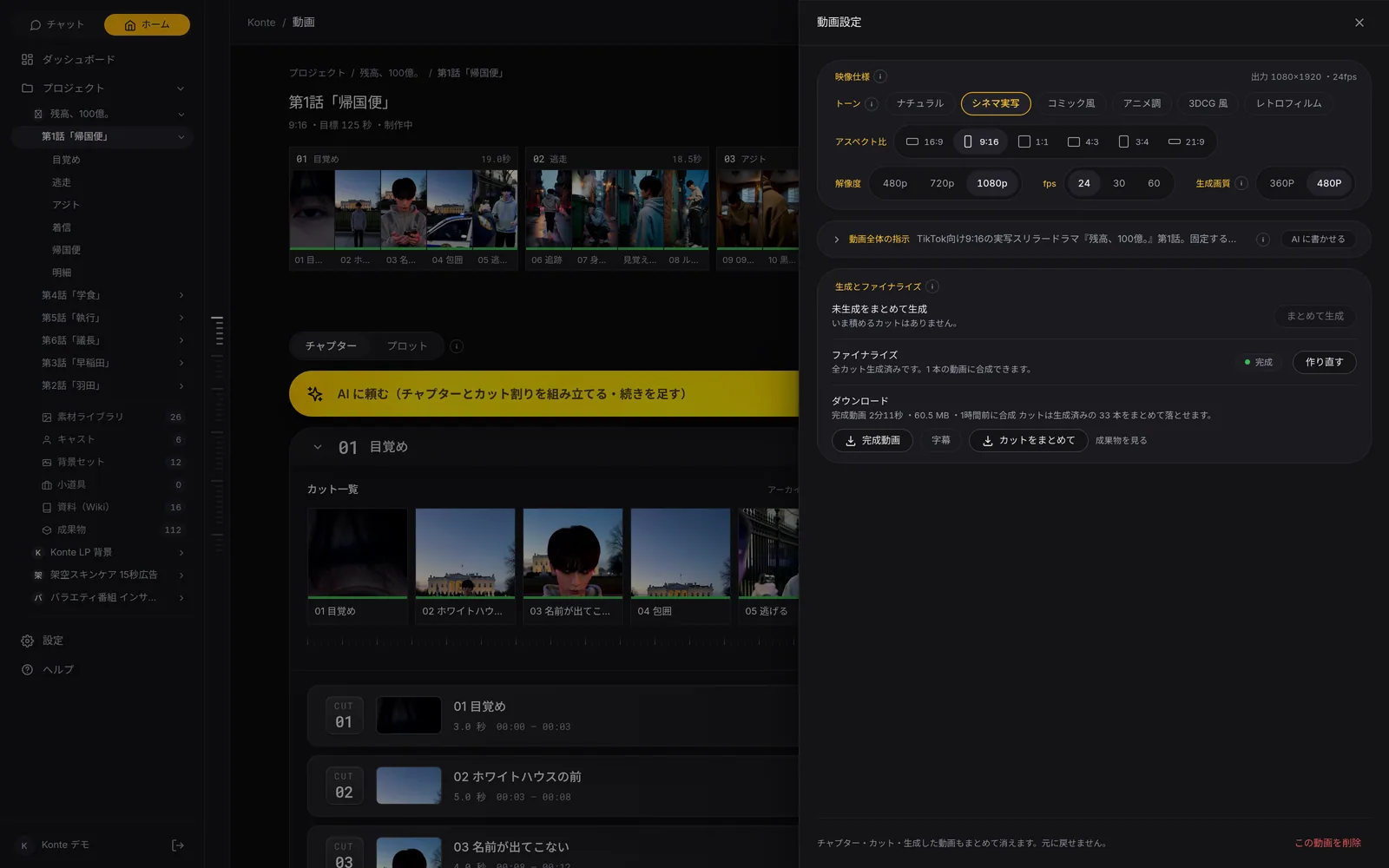
Finishing and downloadJoin every shot into one video and burn in the captions. Download the finished video, the subtitles and all the shots at once.
GET STARTEDStart here
Your film studio, starting today
Start by creating a single cast member. We're happy to talk it through.